



Screenshots
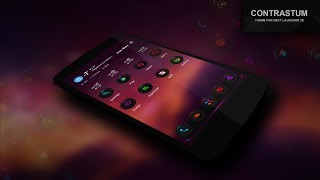


Description
Installation in classical mode :
Press menu on your desktop - > Themes - > Phone -> Select theme Contrastum.
Installation in 3D mode :
Switch Next Launcher to 3D mode -> click desktop menu -> select Themes - > Phone -> Select theme Contrastum.
Installation clock widget :
-Go to the system widgets
-Scroll down the list and drag Contrastum Clock widget on the desktop
Installation recommendations:
1.If you don't see the theme, then after installation you must first apply the standard theme of the Next Launcher.
After that, the theme appears in the selection of themes.
2 . If you don't correctly display a preview of desktops in a 3D mode, you need to dump settings of a launcher in a state by default (it is possible to make it in settings of a launcher, tab backup) and then to apply a theme.
3. If you do not appear circular substrate below the icons in the 3D mode, you need to clean NextLauncher_Data folder in the phone memory or on a flash card, as well as reboot your device.
next launcher theme zt.art
com.gtp.nextlauncher.theme
If you have any questions, please write to me in English to email: karsakof@gmail.com
Price Last month
Additional information
Size
9,2 MB
Installations
10 thousand
Reviews
1.1 thousand
Rating
4.3
Also discounted in
Canada (en-ca)
United Kingdom (en-gb)
